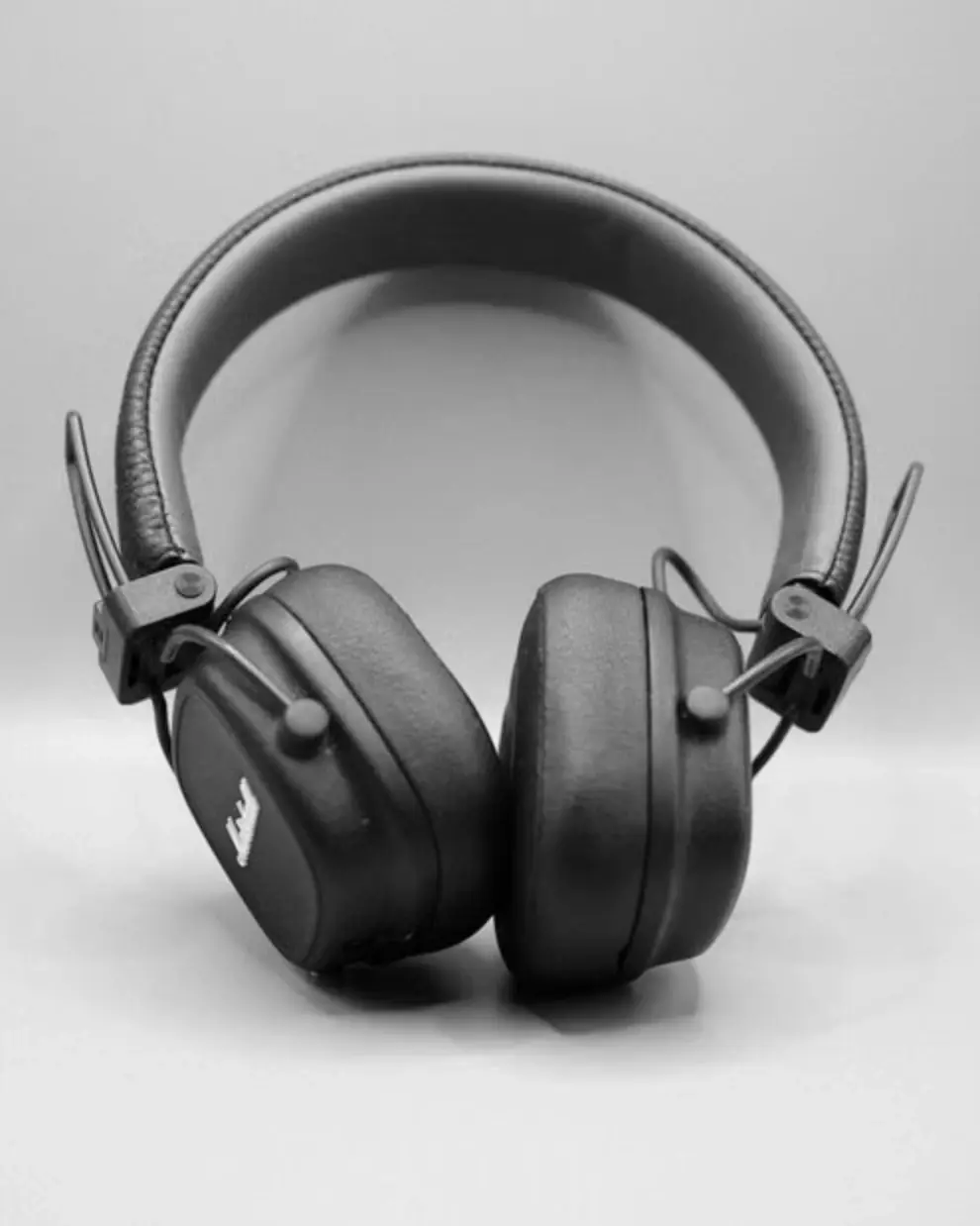
Upload a product photo
One warehouse or phone photo is enough — no description needed.

Online layout and design
Book covers, expert guides and lead magnets, presentations from text, product listings for marketplaces, social media graphics and video thumbnails.
More in this category
Getting started
A book cover, expert guide, presentation, product listing for Wildberries and Ozon, social media graphic or video thumbnail — each card takes you straight to the right tool.
 01
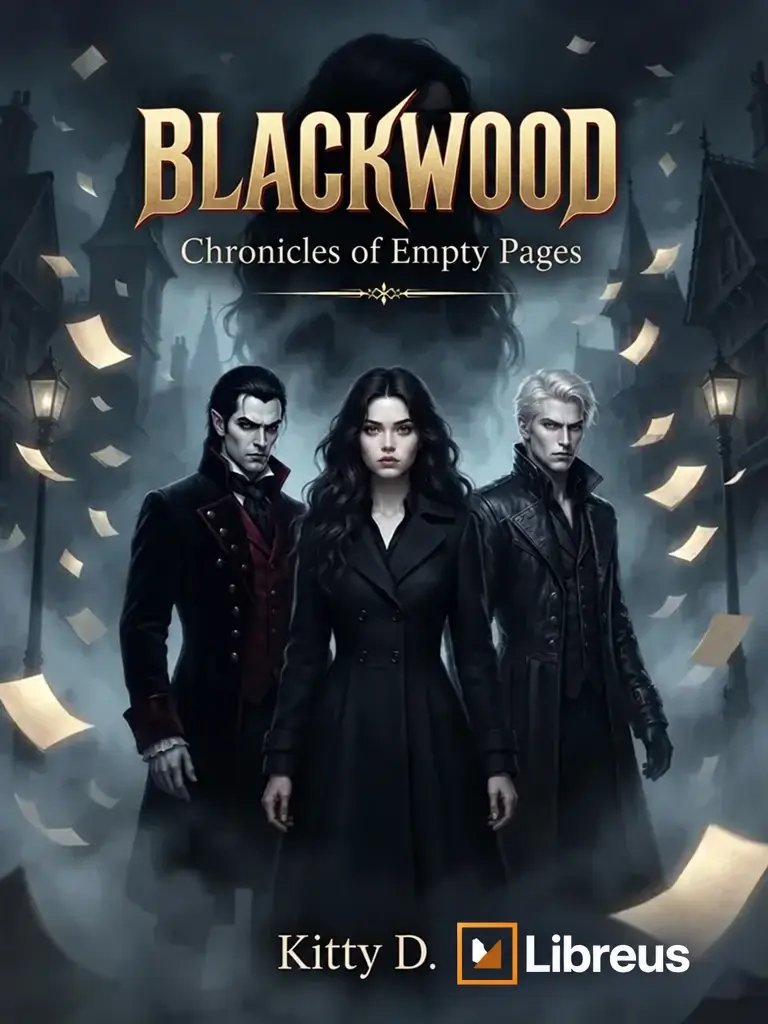
A genre-matched cover with your title and author name — in 4K for print and ready for online stores
Create a cover → 02New
A lead magnet of around 10 pages with a call to action: a PDF and subscriber link in 5 minutes
Create a guide →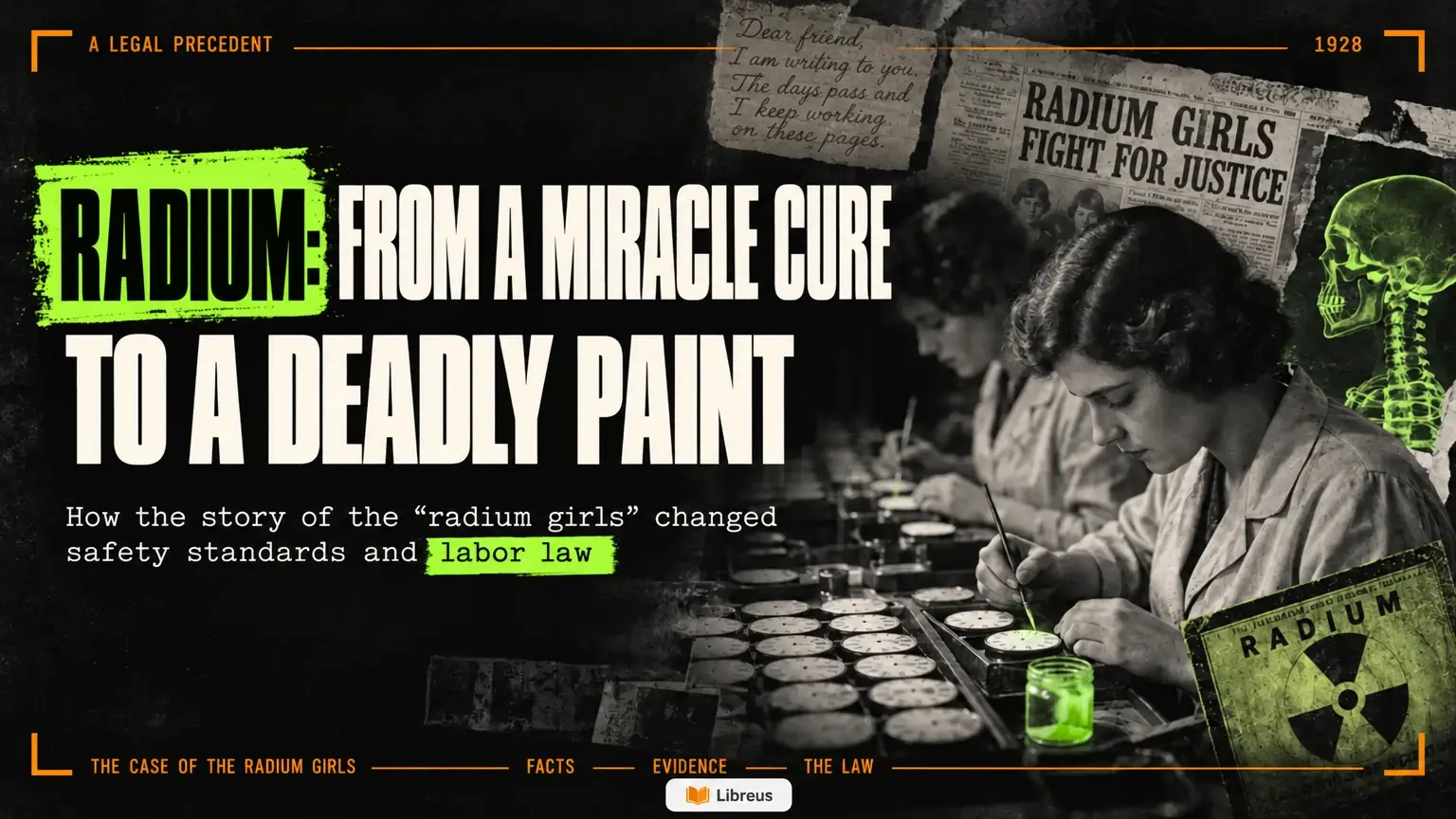 03New
A proposal, pitch deck, talk or report from your text: a storyline, style and slides in 5 minutes
Create a presentation →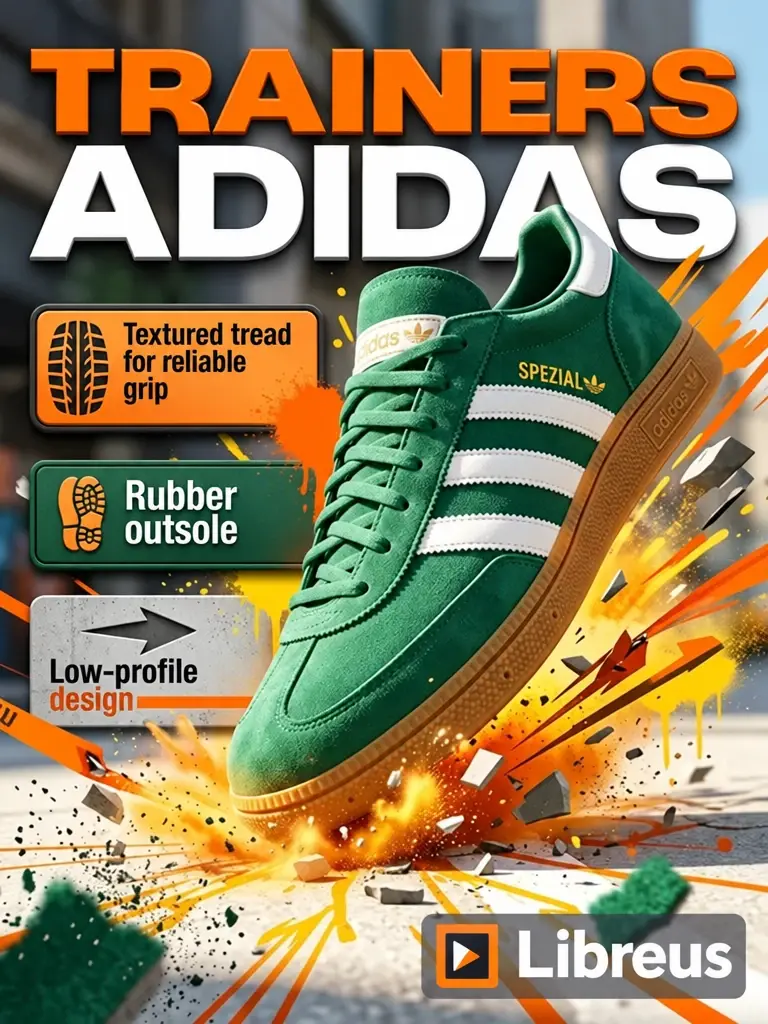 04
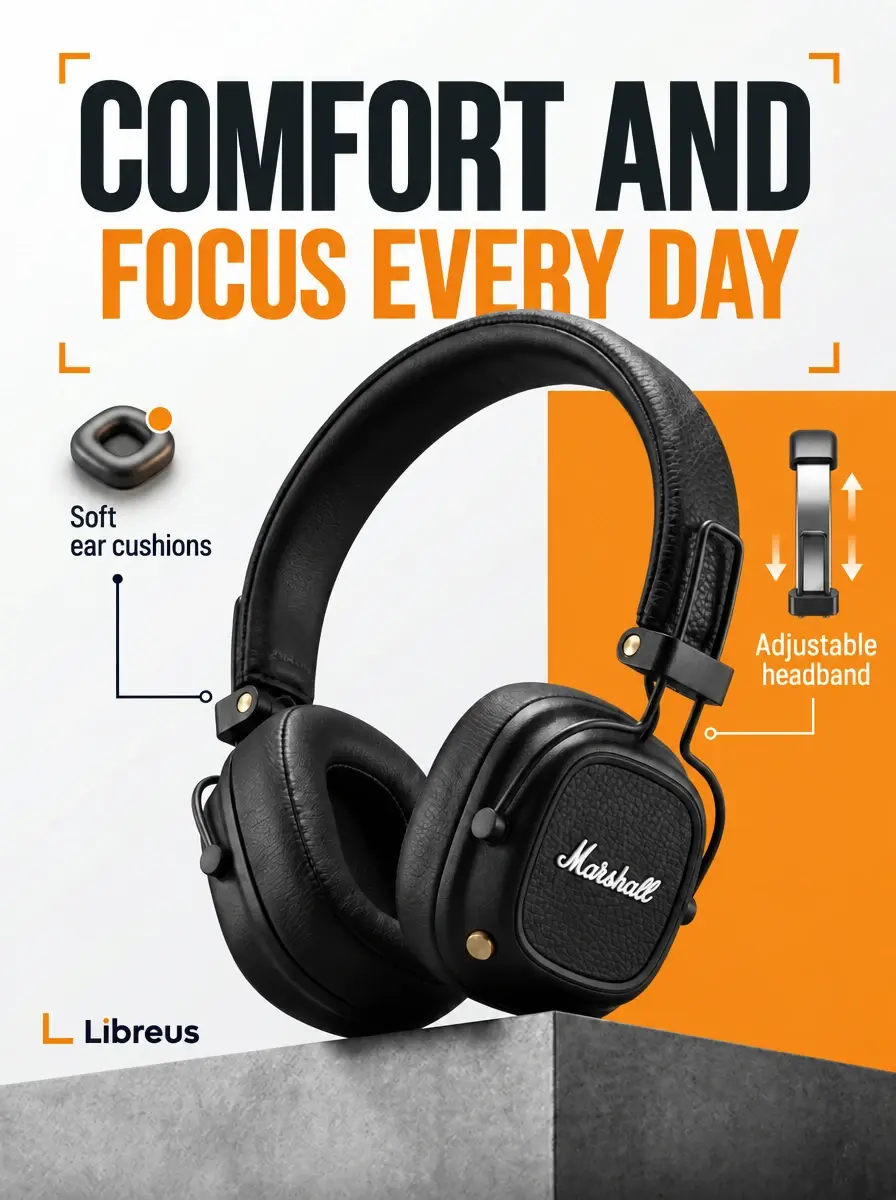
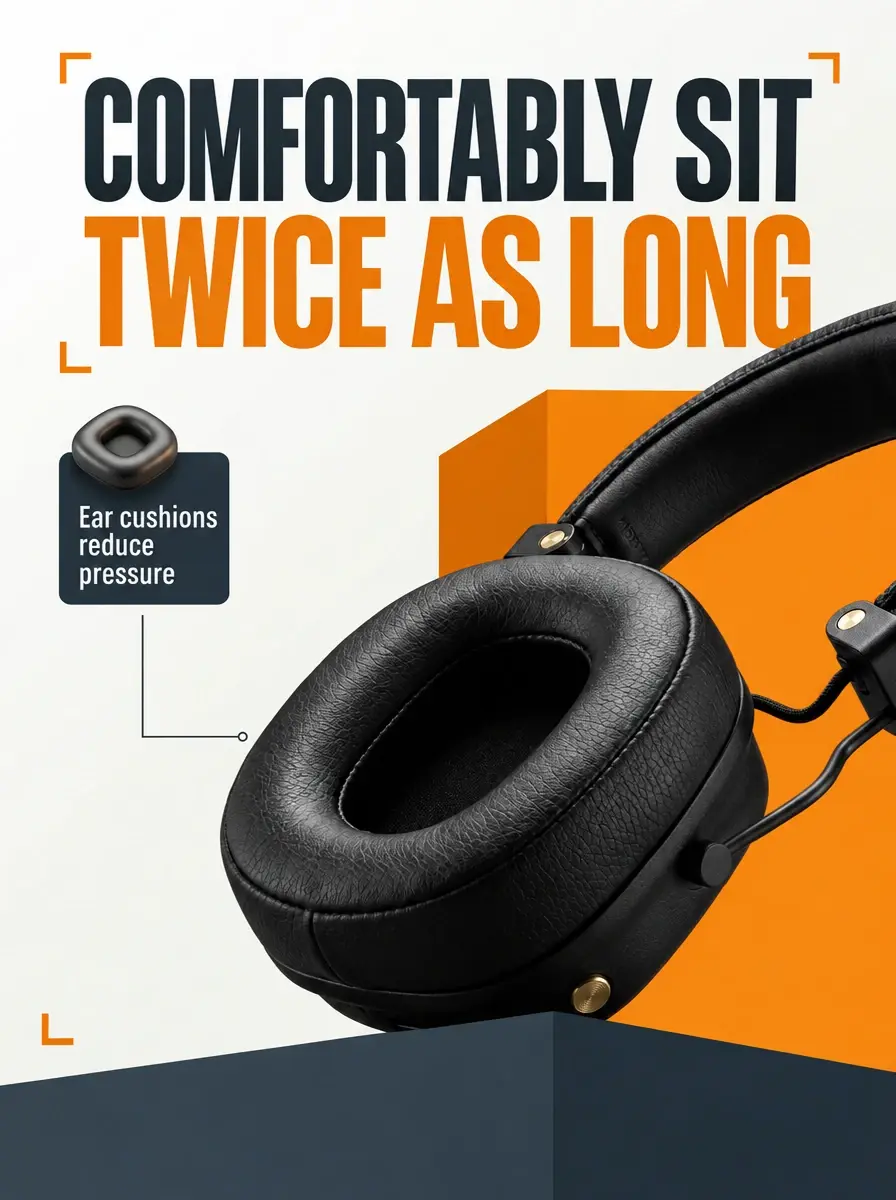
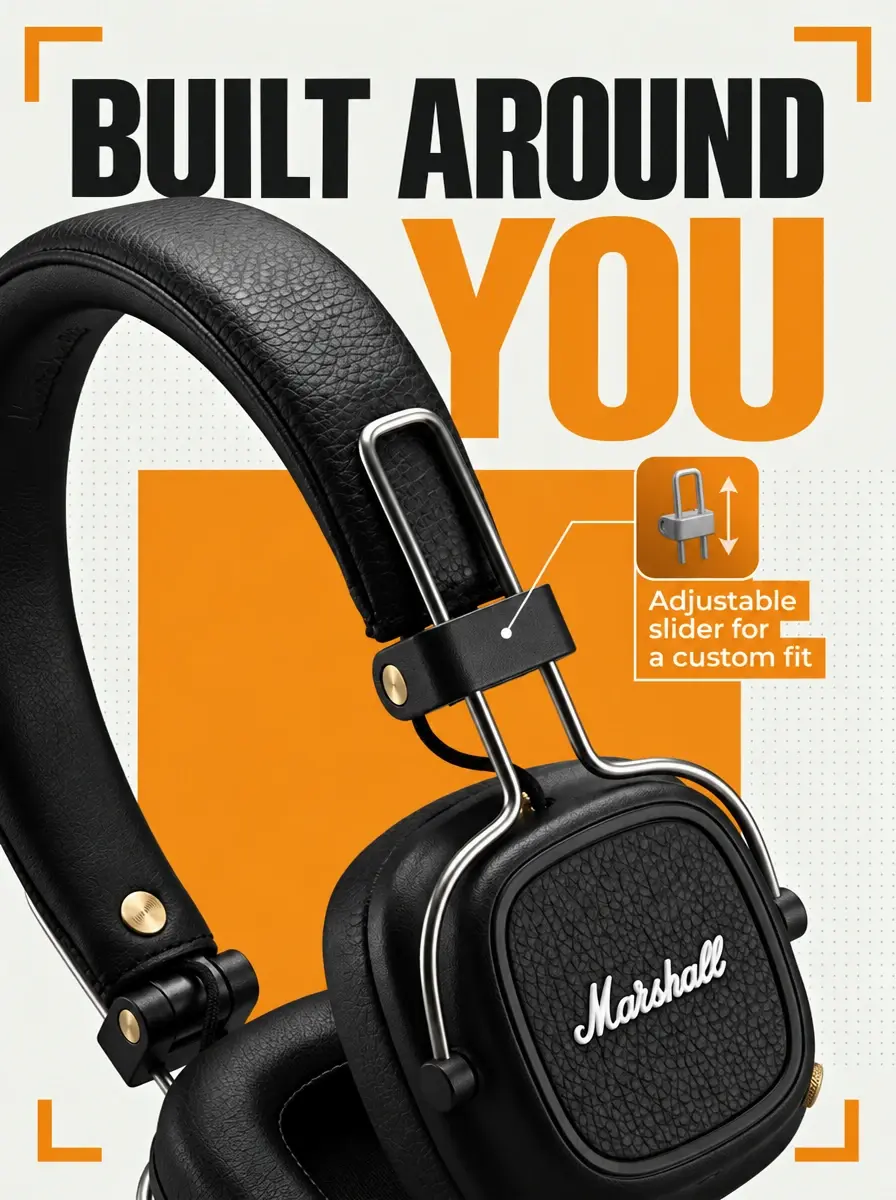
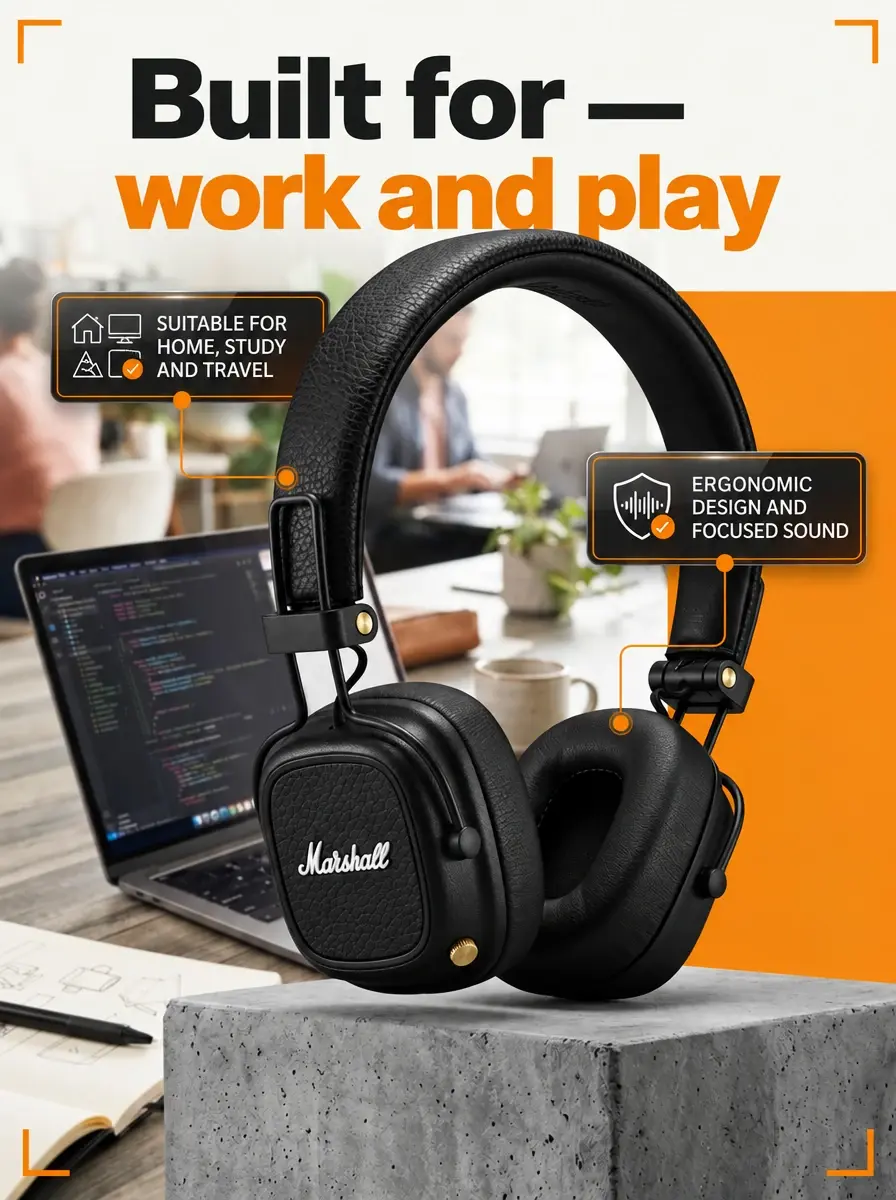
For Wildberries and Ozon, with selling points and infographics built into the design
Create a listing → 05
Posts and stories in a consistent style — without assembling them by hand
Create a graphic → 06
Covers for YouTube and VK Video that make people want to click
Create a thumbnail →Made with Libreus
Designs assembled in minutes: covers, guides, listings and thumbnails. Click any example to take a closer look.
Three steps
One warehouse or phone photo is enough — no description needed.
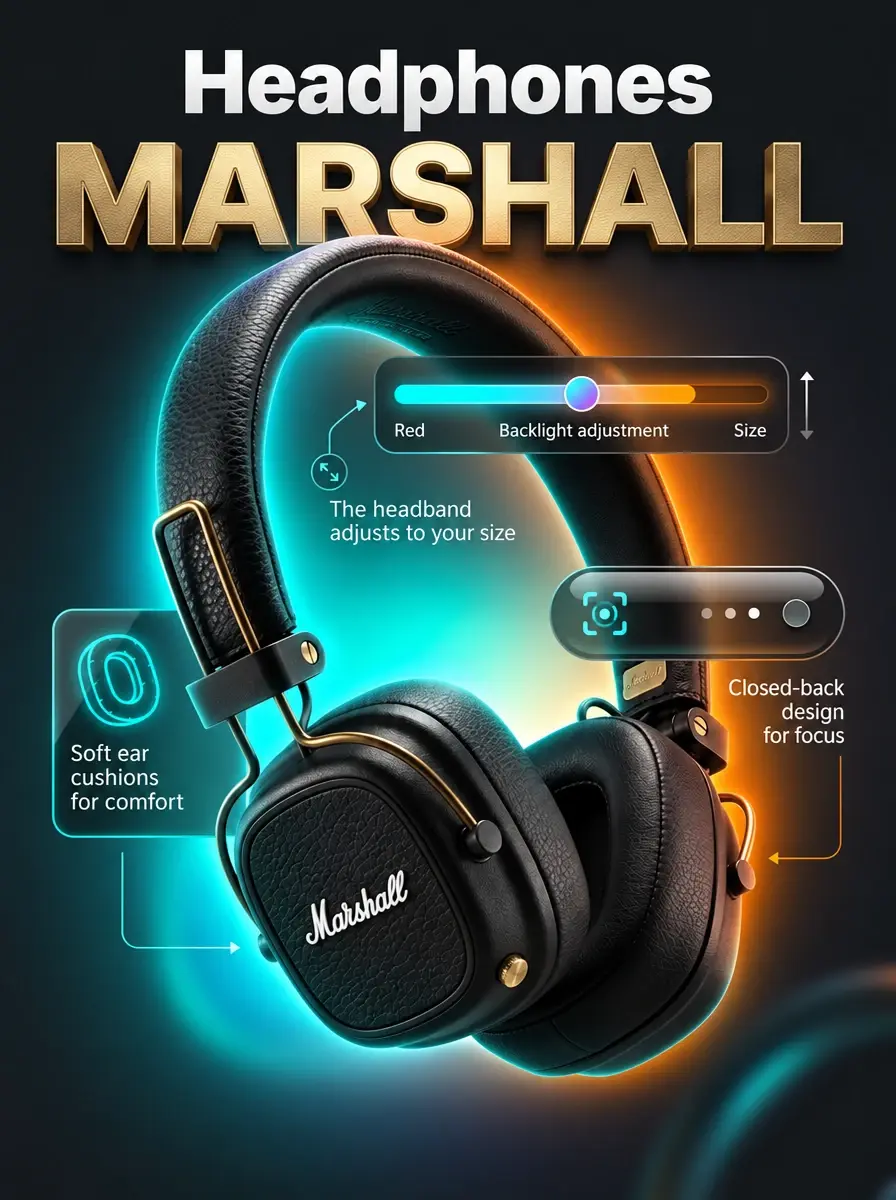
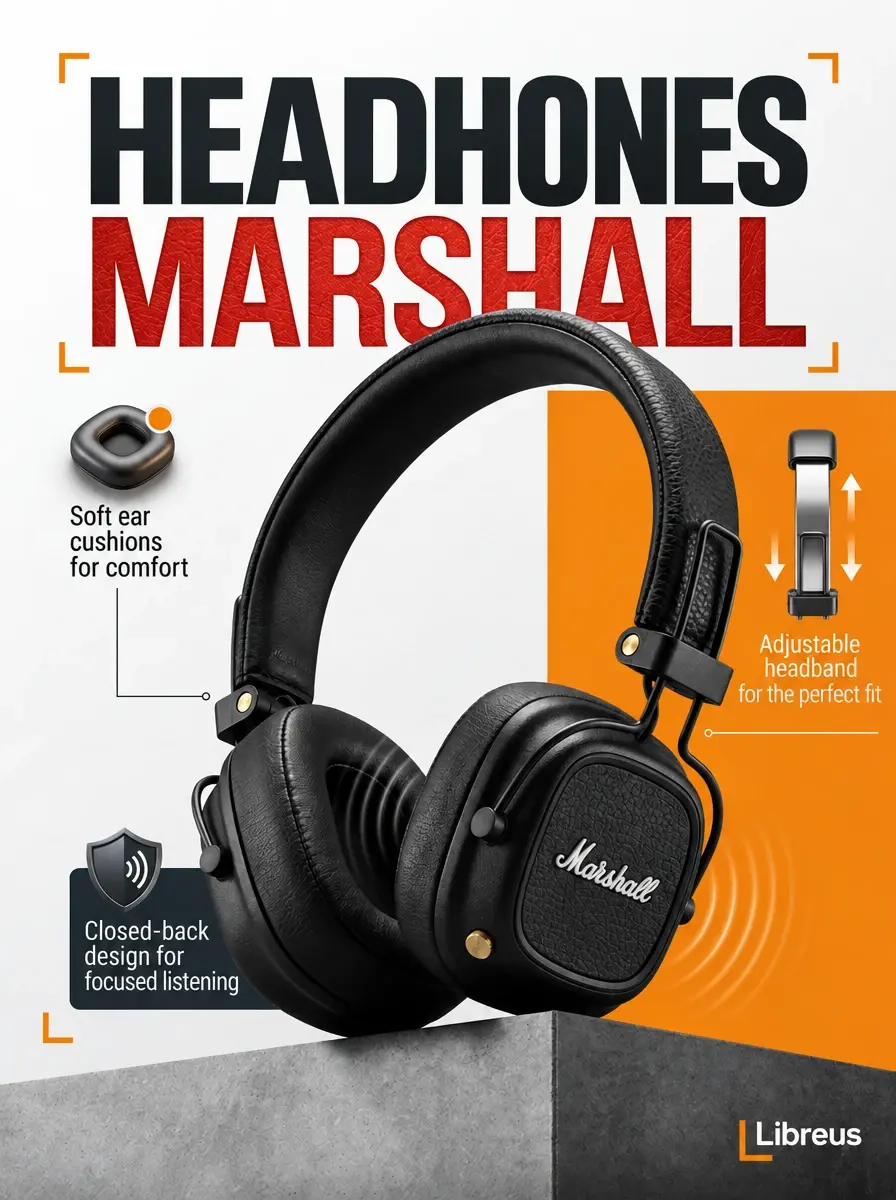
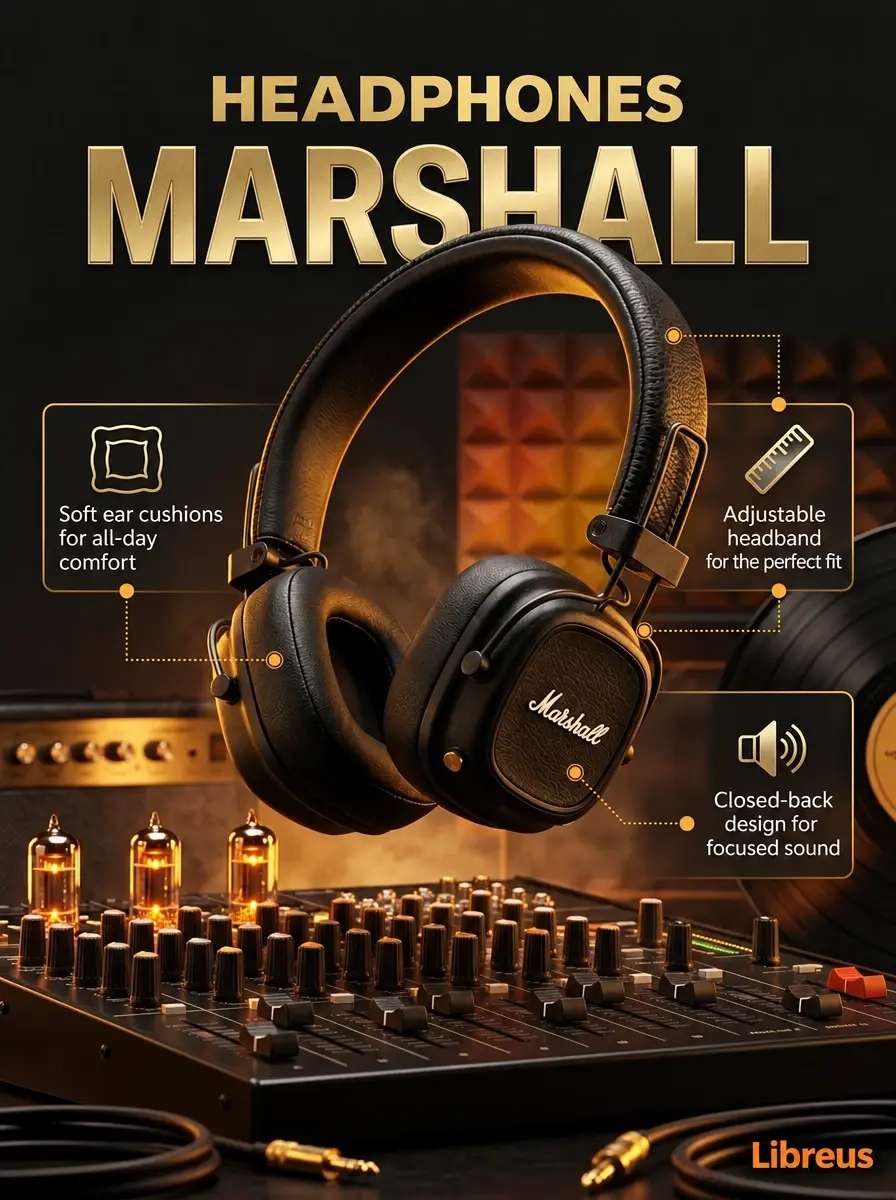
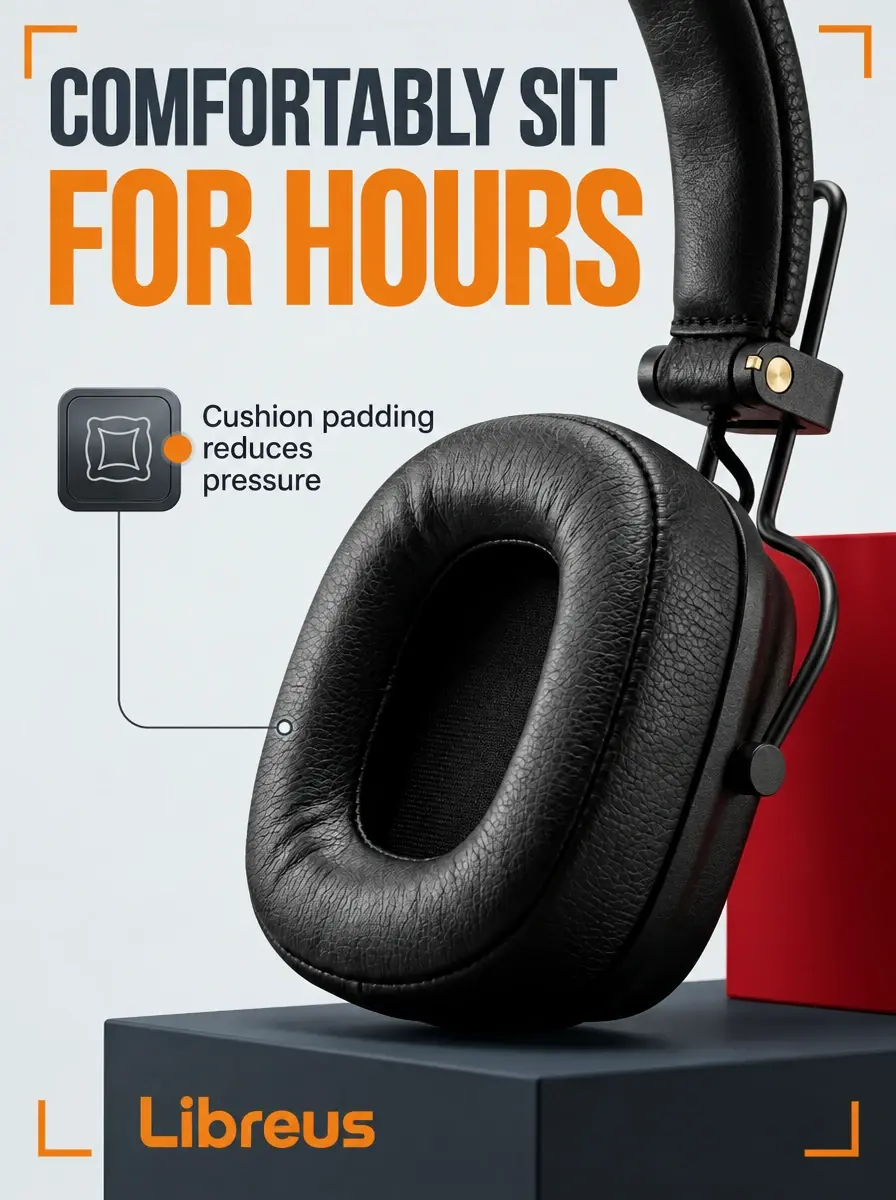
Explore several design directions. Edit individual elements without regenerating the entire layout.
 1
 2
 3
 4
 56
A connected sales journey: the cover catches the eye, then the following slides answer questions and lead to an order.
Upload a photo and see your first design right in your browser.
Your deliverables
Get working files ready for a printer, marketplace or designer.
Bleed, crop marks and CMYK colour. A print-ready file, whether you need one copy or a full run.
The right dimensions for Wildberries, Ozon, social media and video platforms — without cropped edges or extra compression.
An editable InDesign document with a table of contents, text styles, margins and master pages. Keep refining the layout by hand.
Your source materials stay yours. Upload only text, images and other materials that you have permission to use.
Book layout
A cover is one page. A book is hundreds of pages that need to fit together: contents, page numbers, hyphenation and binding margins. Libreus assembles them automatically.
A DOCX or text file. Chapter structure is read from heading styles.
Trim size, type size, margins and typography matched to the book genre and length.
A print-ready PDF and an editable INDD file.
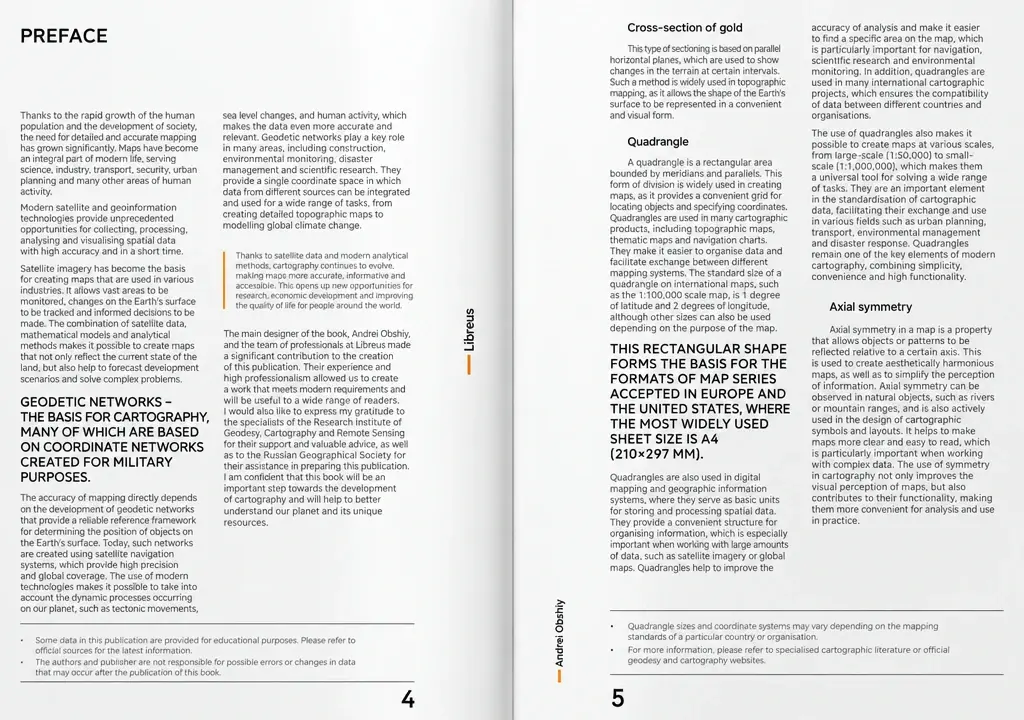
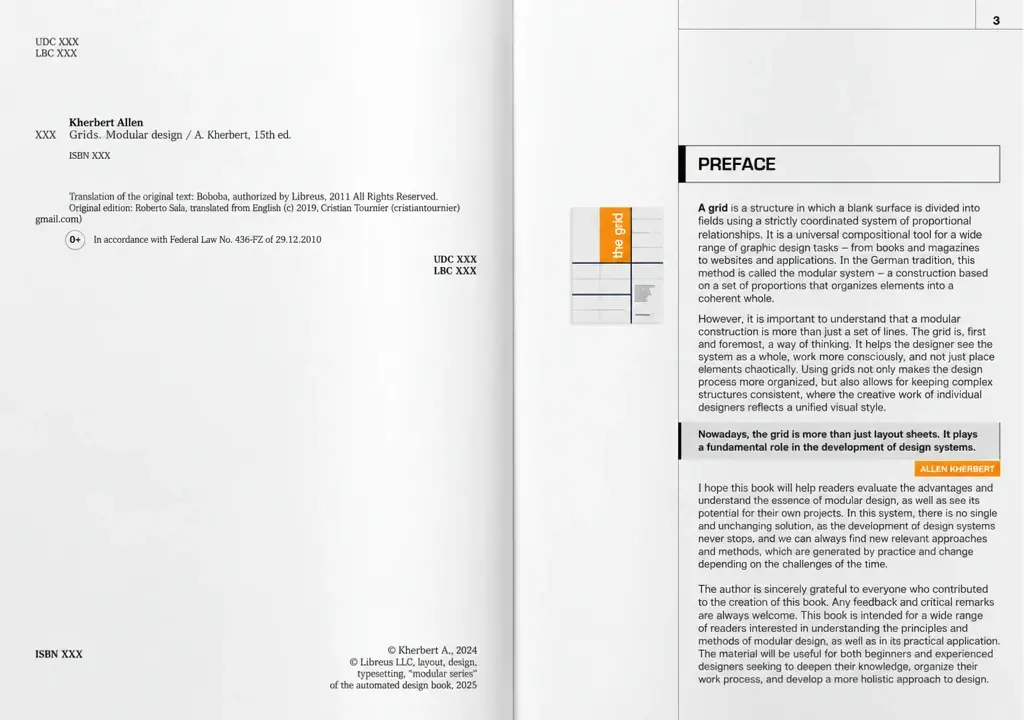
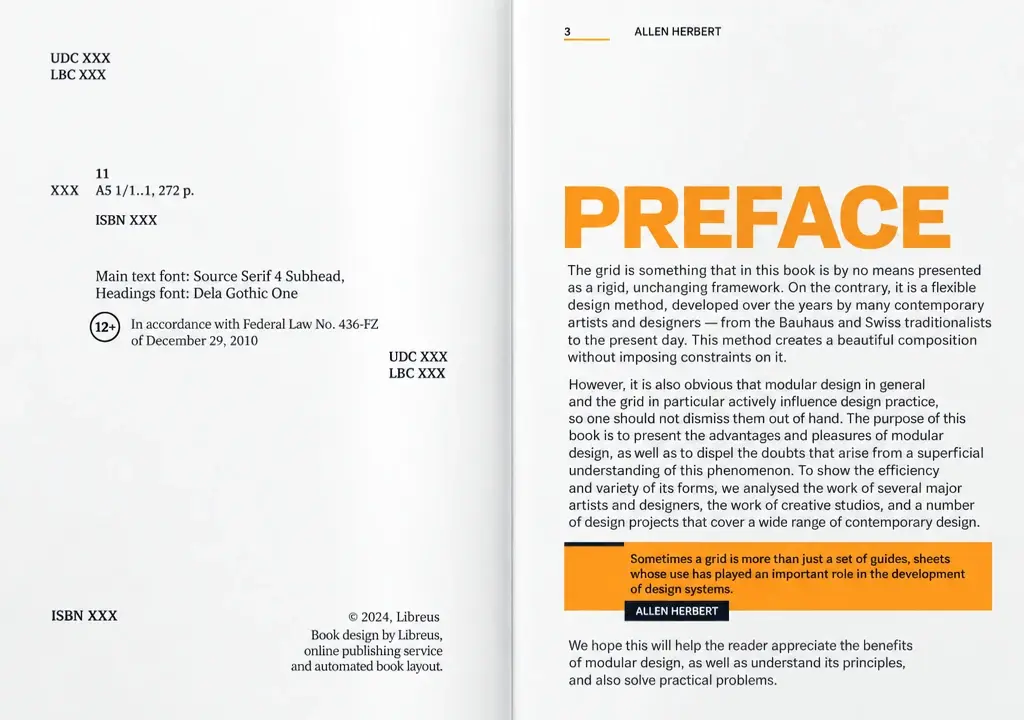
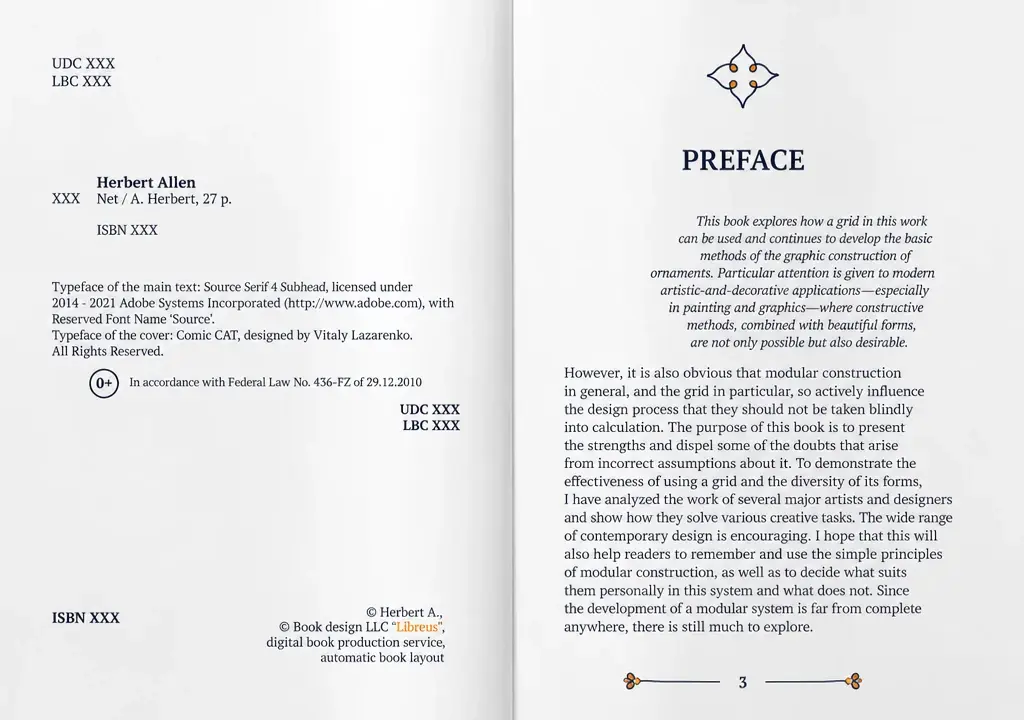
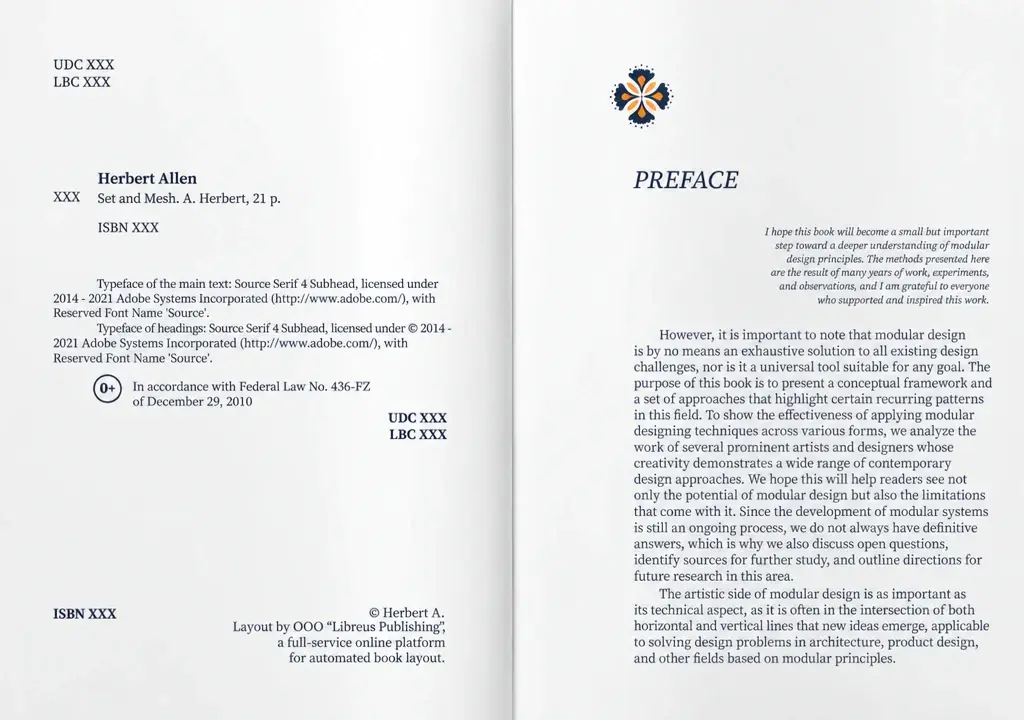
Turn your manuscript into a finished book Choose a plan to suit your project.
Lay out a book →The full journey
The cover is just the beginning. Keep your project moving through every stage of production.
Who it is for
Three ways to use the service, each with its own examples and details.

Take your book from manuscript to a finished layout, with tools for every stage.

A steady flow of sales graphics in the sizes your platforms need.

Automate routine production and spend your time where your expertise matters.
Pricing

Book layout for manuscripts up to 40,000 characters is free on every plan, including the free plan.
No time limitFor self-published authors and first launches
For designers and those managing multiple projects
For publishers and teams with a high volume of work
Tokens are used as you work: one image generation or one book spread. Tokens remain valid while your plan is active. Unused tokens do not roll over to the next period.
Before you begin

Libreus is an online layout and design service. Create book layouts, covers, product listings, social media graphics and video thumbnails. Upload your text or images, choose a design and download the result in the format you need.
Open the app to see the current trial options and account requirements.
Use tokens to create images or try other Libreus tools. The number of available operations depends on the tool and generation mode.
Check the current book layout allowance in the app before starting your project.
Tokens are used as you generate images, create listings or lay out book spreads. Usage depends on the tool and the amount of work.
No. Libreus is designed for people with or without experience in graphic editors. The service helps you choose composition, typography, style and layout dimensions.
An image or cover can usually be created in about a minute. Book layout takes longer, depending on manuscript length, images, tables and formatting complexity.
Lay out a book, design a cover, create product listings for Wildberries and Ozon, and make social media graphics, video covers and other visual materials.
Formats depend on the tool. Download images in graphic formats and books as PDF or EPUB. Additional layout export formats are available for professional workflows.
Check the applicable terms in your account before commercial use. You are responsible for having permission to use any text, photos, trademarks and other materials you upload.
Rights to your original texts, photos and other source materials remain yours. Upload only materials that you have permission to use.
Check the visibility settings and plan details in your account before uploading private materials.
Depending on the project, change the source text or settings, choose another option and generate again. For books and multi-page documents, you can revise the content and rebuild the finished file.
Yes. Generate new options and compare results until you find the right direction. Each generation uses tokens according to the selected tool.
Book layouts are prepared with print requirements in mind. Product listings use sizes and proportions suited to Wildberries, Ozon and other platforms.
No. Libreus works online in your browser. Create an account, choose a tool and upload your materials.

Your next design starts here
Upload your text and create a finished layout right in your browser.
Create your first design →Explore the tools · book layout, covers and more · Libreus Create something worth sharing